



Best Apps and Tools to Track and Analyze Your Pull-Up Form and Progress
Let’s cut through the noise. Yes, there are apps and tools that can help you track and analyze your pull-up form and progress. But here’s the hard truth: no app will do the pull-up for you. No tool will replace the discipline of showing up every day and putting in the work. What these tools can do is remove guesswork, accelerate your learning curve, and hold you accountable to the process.
If you’re serious about building strength—and by that I mean you’re training with intent, not just going through the motions—then you need data. You need feedback. You need to know whether your form is efficient or if you’re leaking power through sloppy mechanics. The right tools give you that edge.
Below, I’ll break down the best options by category: form analysis, progress tracking, and programming. Use them as tools, not crutches. Remember: You weren’t built in a day. But you can build smarter.
1. Form Analysis Tools: See What You Can’t Feel
Pull-up form is non-negotiable. Poor mechanics lead to shoulder impingement, bicep tendonitis, and stalled progress. You can’t fix what you can’t see. Here are the best tools for visual and biomechanical feedback:
FormCam (iOS)
This app uses AI to analyze your movement in real time. You record your set, and it overlays joint angles, bar path, and range of motion. It flags common errors like chin not clearing the bar, asymmetrical pulling, or excessive swinging. The feedback is immediate and visual—no guesswork.
Coach’s Eye (iOS/Android)
A veteran tool in the coaching world. Record your set, then slow it down, draw lines, and compare frames side-by-side with a reference video (e.g., a perfect pull-up). It’s manual but powerful. Use it to check:
- Full dead hang at the bottom
- Bar path (straight up, not arcing)
- Scapular engagement before pulling
- Consistent tempo
Mirror (smart gym system)
If you have access to a Mirror or similar interactive home gym, their camera-based form feedback can highlight symmetry issues and range-of-motion deficits. It’s not pull-up-specific, but it’s useful for overall movement quality.
Pro tip: Film yourself from the front and side. The front catches asymmetry; the side catches bar path and back arch. Do this weekly. Compare. Adjust.
2. Progress Tracking Tools: Quantify Your Strength
Tracking isn’t about vanity—it’s about accountability. If you can’t measure it, you can’t manage it. For pull-ups, there are three key metrics: total reps, load (if weighted), and volume over time.
Strong (iOS/Android)
The gold standard for strength tracking. Log your sets, reps, and weight (for weighted pull-ups). It auto-calculates estimated one-rep max, tracks volume trends, and shows your progress over weeks and months. Simple, clean, effective.
Hevy (iOS/Android)
Similar to Strong but with a social component if that motivates you. You can build custom pull-up routines (e.g., “5 sets of max reps, 2 min rest”) and see your rep counts climb over time. The graphs are clear—no fluff.
Gravitus (iOS)
Designed specifically for calisthenics and bodyweight training. It tracks pull-ups, dips, push-ups, and more. It uses a rep-counting algorithm (based on motion) to auto-log your sets. Not perfect, but useful for high-volume days.
The metric that matters: Total weekly pull-up volume. If you’re doing 50 pull-ups this week and 55 next week, you’re progressing. If you’re stuck at 45 for three weeks, your programming needs adjustment.
3. Programming Tools: Structure Your Progress
Tracking is useless without a plan. These tools help you design and follow a progressive pull-up program:
The Pull-Up Solution (app)
A dedicated program by calisthenics coach Chris Heria. It includes progressions (negatives, band-assisted, archer pull-ups) and auto-adjusts based on your performance. Good for beginners and intermediates.
Fitbod (iOS/Android)
An AI-driven programming app. Input your available gear (e.g., BULLBAR, bands, dumbbells), and it builds a balanced program that includes pull-ups and variations. It auto-regulates based on your recovery and fatigue.
Simple Spreadsheet (DIY)
Sometimes the best tool is a blank sheet. Create columns for date, max reps, weighted load, and notes (e.g., “left shoulder tight”). This forces you to think about your training, not just log it.
4. The Gear That Makes It All Possible
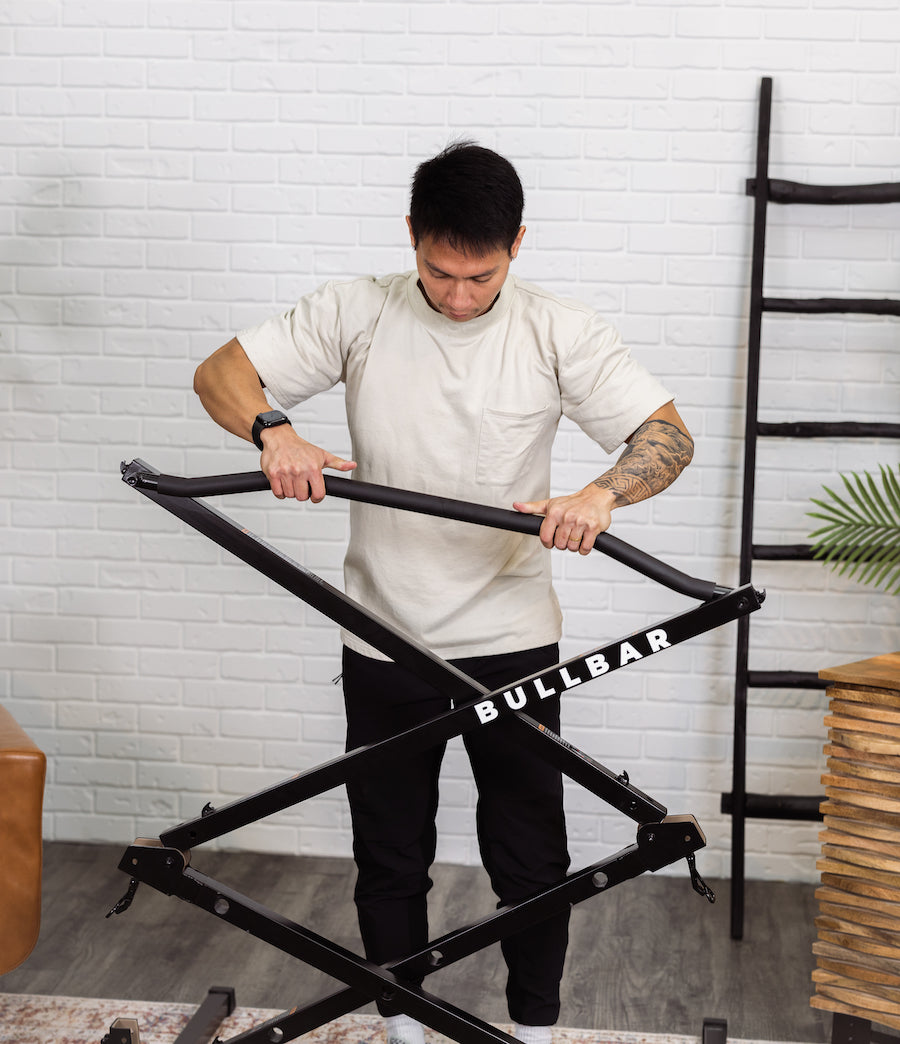
None of these tools matter if your equipment is compromised. A wobbly door-mounted bar or a flimsy freestanding unit will sabotage your form and your data. That’s where the BULLBAR comes in.
It’s not just a pull-up bar—it’s a stable, unyielding platform for honest training. No sway. No tipping. No excuses. When you’re tracking form, you need to know that the bar is steady and your movement is the only variable. The BULLBAR delivers that. It folds down to 45” x 13” x 11” and stores anywhere, so you can train consistently in any space. That’s not a feature—it’s the foundation of progress.
5. The Bottom Line: Tools Are Tools. You Are the Engine.
Apps and devices can give you feedback, but they can’t give you grit. They can show you where your form breaks, but they can’t force you to lower the weight and fix it. They can track your volume, but they can’t make you show up on day 47 when you’re tired and sore.
So use them. Use FormCam to clean up your technique. Use Strong to log every rep. Use a program to structure your progress. But never forget: the real work happens in the space between your ears and in the consistent repetition of the movement.
Your action step this week:
- Film one set of pull-ups from the side.
- Check your bar path and full range of motion.
- Log your total reps for the week.
- Next week, beat that number by 5%.
That’s it. No hype. No shortcuts. Just steady, deliberate progress.
Strength without limits. Consistency without excuses.
Share
