



How to Track Pull-Up Progress with Apps or Tools
Tracking progress isn’t about vanity—it’s about accountability. If you’re serious about building strength, you need data. Not motivation. Data tells you where you were, where you are, and what needs to change. For pull-ups, progress can be subtle. You might add one rep this week, hold a dead hang three seconds longer, or finally lock in that first strict rep. Without tracking, those wins vanish into memory. With tracking, they become the foundation of your next gain.
Let’s cut through the noise. Here’s how to track pull-up progress using apps, tools, and old-school methods that actually work.
1. Choose Your Metric: What Are You Actually Tracking?
Before you open an app, define what “progress” means for your pull-up training. It’s not just reps. Track these four variables:
- Max reps (strict): Your baseline. Test every 2-4 weeks.
- Volume (total reps per session): For strength endurance and hypertrophy.
- Time under tension (TUT): How long you control each rep, especially negatives and holds.
- Progressive overload: Adding weight, reducing rest, or increasing reps over time.
Example: Week 1, you do 3 sets of 5 strict pull-ups. Week 4, you do 3 sets of 6. That’s progress. Track it.
2. Best Apps for Pull-Up Tracking
Apps automate the boring part—logging, calculating, and reminding you to show up. Here are the ones that deliver:
Strong (iOS/Android)
- Why it works: Simple, clean, built for strength training. Log sets, reps, and weight. It auto-calculates volume and tracks your personal records.
- Pull-up specific: Create a “Pull-Up” exercise, add variations (weighted, band-assisted, negatives), and watch your estimated one-rep max (eRM) climb.
- Best for: Lifters who want a no-fluff log that syncs with other lifts.
Hevy (iOS/Android)
- Why it works: Social features optional, but the core is solid. Track reps, rest times, and progress graphs. It even shows your volume over weeks.
- Pull-up specific: Tag your “Pull-Up” workouts with notes like “overhand grip” or “neutral grip.” See if grip changes spike your reps.
- Best for: People who want visual graphs and community accountability.
Gravity (iOS only)
- Why it works: Designed specifically for bodyweight training. It tracks pull-ups, dips, push-ups, and more. It calculates a “strength score” based on reps and body weight.
- Pull-up specific: Log each set, and it estimates your strength level relative to your body weight. Perfect for tracking progress without adding external weight.
- Best for: Pure bodyweight athletes who don’t use weighted vests or belts.
FitNotes (Android)
- Why it works: No ads, no frills, fully customizable. You create your own exercise database. Log pull-ups, add notes, and export data to spreadsheets.
- Pull-up specific: You control everything—reps, sets, rest, grip type. It’s raw data with zero distraction.
- Best for: Data nerds who want full control.
3. Tools Beyond Apps: Hardware That Tracks
Apps are great, but sometimes you need a tool that doesn’t require a phone unlock. Here are two that pair perfectly with a pull-up bar:
The Pull-Up Progression Board (Physical Chart)
- What it is: A whiteboard or laminated chart mounted near your bar. You write the date, reps per set, and any notes (e.g., “felt fatigued” or “added 5 lbs”).
- Why it works: Visual, immediate, and forces you to confront your numbers before you walk away. No app required.
- Best for: People who train in a dedicated space and want zero screen time.
Digital Timer with Rep Counter
- What it is: A simple stopwatch or interval timer (like the GymBoss) that you pair with a manual rep counter (a clicker or even tally marks on a notebook).
- Why it works: You track total volume and time under tension. Example: 5 sets of max reps with 90 seconds rest. Record total reps. Next session, beat it.
- Best for: High-volume training or EMOM (every minute on the minute) pull-up workouts.
4. How to Structure Your Tracking for Real Progress
Tracking without a plan is just data hoarding. Here’s a simple system:
- Test your max. Do one set of as many strict pull-ups as possible. Record it.
-
Choose a progression scheme.
- Linear progression: Add one rep per set each week.
- Volume accumulation: Do 5 sets of 3 reps (15 total). Next week, 5 sets of 4 (20 total).
- Grease the Groove (GTG): Do 50% of your max, 5-10 times per day, every day. Track total daily reps.
-
Log every session. Use an app or notebook. Include:
- Date
- Grip type (overhand, underhand, neutral)
- Sets and reps
- Rest time
- How you felt (1-10 scale)
- Review weekly. Every Sunday, look at your volume and max reps. If you’re not trending up by 5-10% over 3-4 weeks, adjust: add weight, reduce rest, or change grip.
5. Why This Matters for Your Training
Pull-ups are a compound movement that builds back, biceps, and grip strength. But they’re also a test of discipline. You can’t cheat the bar. Tracking forces you to confront the truth: Did you actually improve today, or did you just go through the motions?
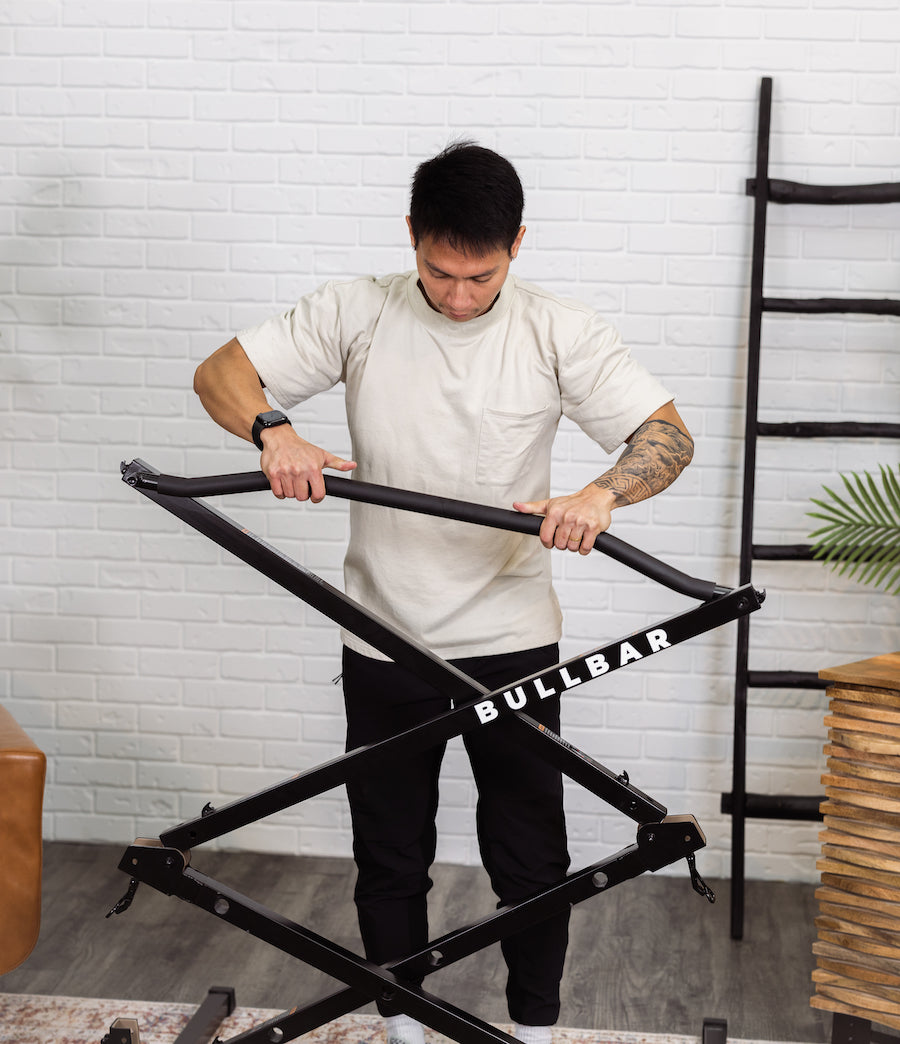
The best tool is the one you’ll use consistently. If you love data, use Strong or Hevy. If you hate screens, grab a whiteboard. If you’re in a hotel room with a BULLBAR, use a notebook and a timer. The method doesn’t matter. The habit does.
Final Takeaway
Progress isn’t a feeling—it’s a number. Track your pull-ups, and you’ll see exactly where you stand. No guesswork. No excuses. Just reps, data, and the quiet satisfaction of knowing you’re stronger than last week.
Your move: Pick one tool from this list. Log your next pull-up session. Then do it again tomorrow. That’s how you build strength that lasts.
You weren’t built in a day. But you can track every one that counts.
Share
